Getting Started
Getting Started with ShowUpInAI
Set up your account, add your first domain, and start getting your content discovered by ChatGPT and Copilot through automated IndexNow submissions.
ShowUpInAI monitors your website for content changes and automatically submits changed URLs to Bing via the IndexNow protocol. Since ChatGPT and Microsoft Copilot use Bing's search index for web answers, faster Bing indexing means faster AI discoverability.
Every time you publish or update a page, ShowUpInAI detects the change and notifies Bing immediately — no waiting for crawlers to find your content on their own.
Get Started
Set up in 5 steps
Create your account
Sign up at app.showupinai.com.
Add your first domain
Enter your website's domain in the dashboard. You can add multiple domains later.
Verify domain ownership
Prove you own the domain by hosting a verification file or setting up a redirect. This is needed for us to submit your pages to Bing. See the verification guide for details.
ShowUpInAI crawls your site
An automatic crawl detects your existing pages and submits them to Bing via IndexNow.
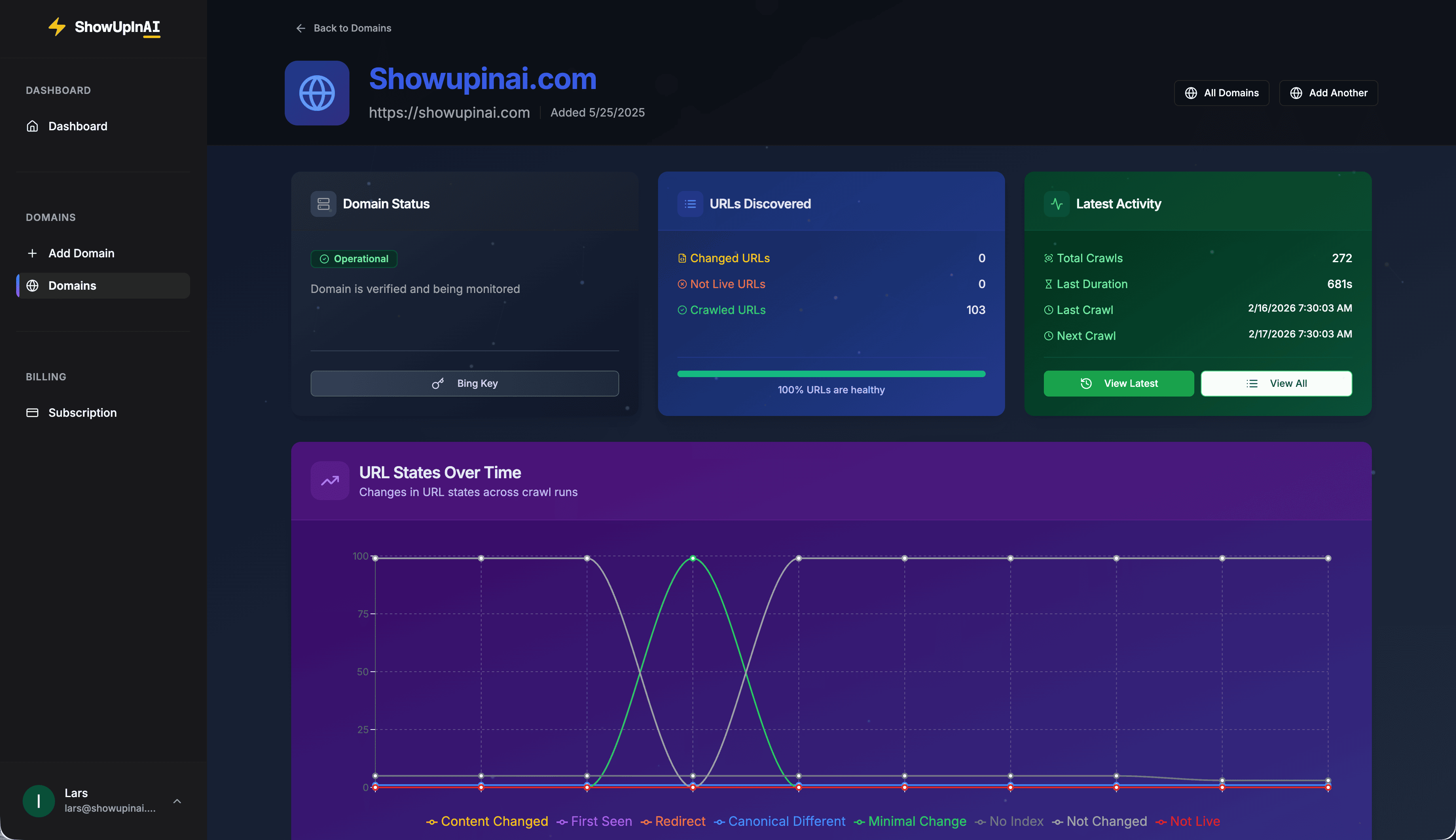
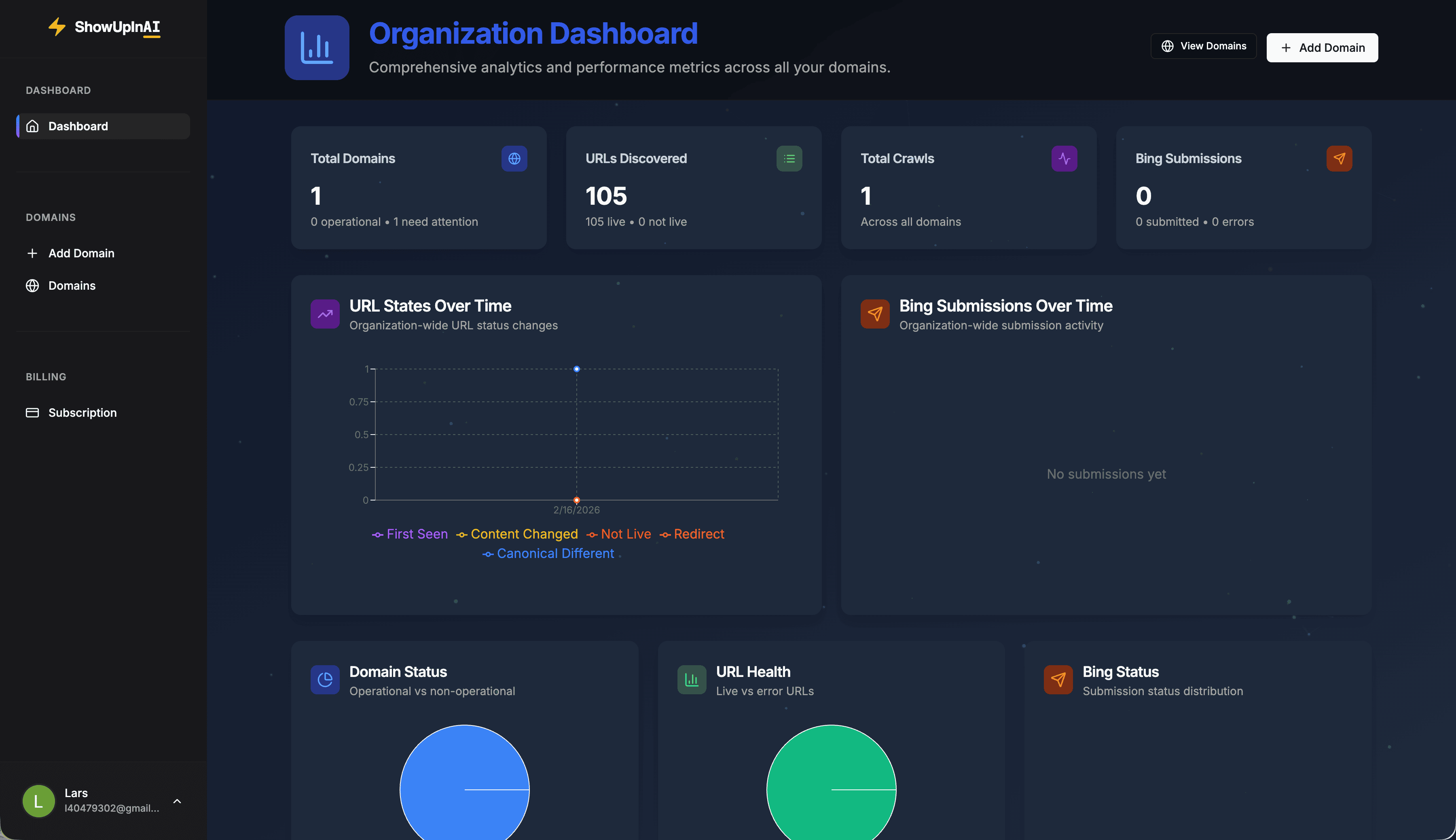
Monitor submissions in your dashboard
Track which URLs have been submitted, when they were last sent, and your submission history.
What happens next
After the initial crawl, ShowUpInAI runs on autopilot. It periodically re-crawls your site to detect new or updated pages. When changes are found, those URLs are automatically submitted to Bing via IndexNow.
You don't need to manually trigger submissions. Just keep publishing content and ShowUpInAI handles the rest. You can monitor everything from your dashboard — including crawl history, submission counts, and per-URL status.